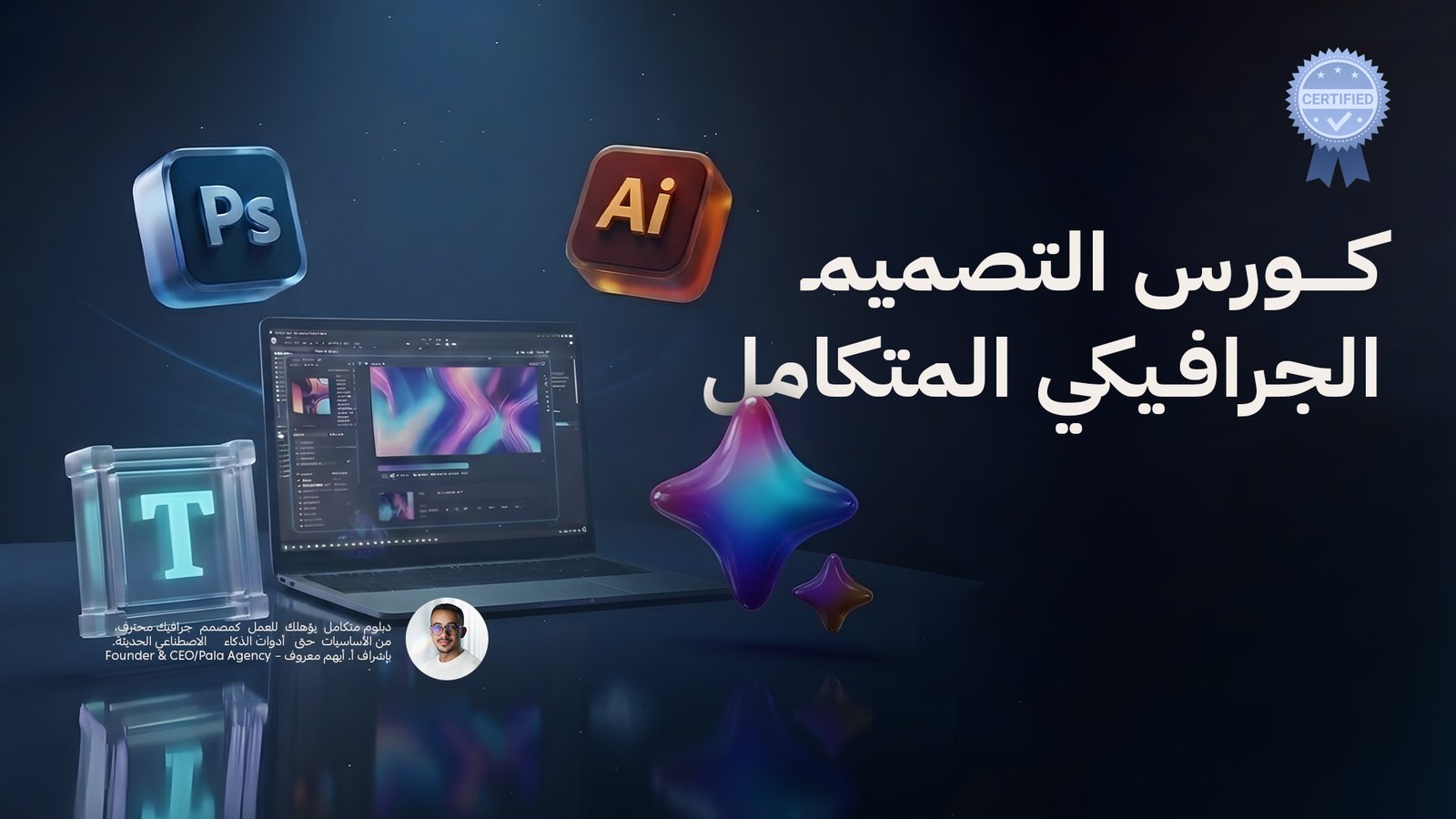
What Makes This Diploma Unique?
-
A structured curriculum that progresses step by step from fundamentals to professional level
-
Practical applications and assessments at every stage
-
Correction of common mistakes and misconceptions found in the job market
-
A Guideline File attached to each section explaining the topics, assetes , and follow-up steps
-
A complete set of companion resources (Assets – Tools – Templates) to support you step by step
-
Content specifically designed to prepare you for direct entry into the job market upon completion
Certificate
A certificate is awarded by our center upon successful completion of the diploma and fulfillment of all required projects and assessments.
Diploma Sections
1) Graphic Design
The foundation everything is built upon
In this section, trainees gain a deep understanding of graphic design — not just as tools, but as a mindset and methodology.
Elements of Graphic Design
-
Line
-
Color
-
Shape
-
Texture
-
Space
-
Form
-
Typography
Principles of Graphic Design
-
Contrast
-
Hierarchy
-
Alignment
-
Balance
-
Proximity
-
Repetition
-
Simplicity
-
Unity
-
Function
Becoming a Graphic Designer
-
What graphic design really is
-
Building a professional portfolio
-
Designer CV preparation
-
How to start and apply your skills
-
How to find work as a designer
-
Common job interview questions
2) Photoshop
Learn Adobe Photoshop within a practical, designer-focused context — from project setup to professional export.
-
Project setup and workspace
-
File organization and layer structure
-
Creating and editing visual elements
-
Publishing and exporting digital media
-
Practical projects + assessments + professional tips
3) Illustrator
Master vector design and build professional visual elements and brand identities using Adobe Illustrator.
-
Project setup and workspace
-
File organization and layer structure
-
Creating and editing visual elements
-
Publishing and exporting digital media
-
Practical projects + assessments + professional tips
4) Artificial Intelligence for Designers
This section elevates you to the level of a modern designer — capable of using AI consciously and professionally without losing creative identity.
-
Understanding AI from a designer’s perspective
-
Professional prompt writing
-
Image generation and output control
-
Quality enhancement and print preparation
-
Integrating AI with traditional design
-
Professional workflow organization
-
Ethics and usage rights
AI Toolkit
This section includes a specialized toolkit featuring the most essential AI tools designers truly need in their professional work.
Tagged with:

Courses Request (1)